
Home / Guides / How to get rid of it / How to recycle electronics
How to recycle electronics, from the junk drawer to the recycler
To recycle electronics, protect your data, separate what still works for donation, and take the rest to an e-waste recycler or collection point. In California TVs, monitors and computers cannot go in the trash, so recycling is the route, not an option.
Book online, and we will give you a call shortly.
Why it matters
California bans TVs, monitors and computers from the trash.
CalRecycle, confirmed 29 September 2026.
The fee paid at purchase funds free recycling of covered devices.
As read 4 September 2026.
You paid for recycling when you bought the device. The steps below get it to the right place without leaving your data on it.
Get it gone
Data wiped and ready to go? Text a photo and we confirm the price before we lift anything.
Step by step
- Gather everything in one spot. Check closets, the garage, desk drawers and the box of cords nobody has opened in years. Put it all on a table or the floor where you can see it.
- Sort into two piles: works and does not work. A laptop that turns on, a monitor with no dead lines, a printer that prints: these may have a second life through donation.
- Back up anything you want to keep: photos, documents, contacts. Copy them to a new device, an external drive or a cloud account.
- Sign out of your accounts on every phone, tablet and computer, and turn off any find-my-device lock. A locked device cannot be reused.
- Wipe the device. Use the factory reset on phones and tablets. On computers, use the reset or erase option in the settings. If a computer is too old to boot, take the hard drive out and keep it, or ask the recycler how it handles drives.
- Take out removable batteries where they come out easily, like from cameras, remotes and some laptops, and tape over the metal ends.
- Bundle cords and chargers with a twist tie, and put small items in one box so nothing gets lost.
- Choose your route: a drop-off point, a retailer take-back, a city pickup if you have one, or a crew.
- Check the drop-off's own site for hours and what it accepts, then load the car with the heaviest items low and padded.
- Keep a list of what you dropped off if the devices held work data.
Reuse before recycling
Recycling recovers materials. Reuse keeps the whole device working, which is better for the next person and for you. A wiped laptop that still runs can help a student. An older monitor can become a second screen for someone working from home. Ask family, friends and neighborhood swap groups first, and offer it to a donation drop-off that takes working electronics. Only send it to recycling when nobody can use it.
Can it go in the recycle bin?
Electronics do not go in the trash in California. Do not assume your curbside recycling cart takes them either; ask your garbage service before you put anything with a plug in it. The safe answer is an e-waste recycler.
How to recycle a TV
TVs are where people get stuck, because they are big. Unplug it, wind up the cords and take it off the wall mount first if you can. Flat screens should ride upright, wrapped in a blanket. Tube TVs and rear projection sets are heavy, so do not try to carry one alone. If getting it to the car is the hard part, see TV removal.
Where to recycle old electronics
- Your county's e-waste collection program or an e-waste recycler that accepts covered devices
- Retailer take-back programs: see our TV recycling guide for one retailer's terms, checked 29 September 2026
- City of Sacramento appliance and e-waste pickups, for residents with a city garbage account (read 4 September 2026)
- A donation drop-off, for working devices that have been wiped
- A junk removal crew that delivers to an e-waste recycler
When to call us
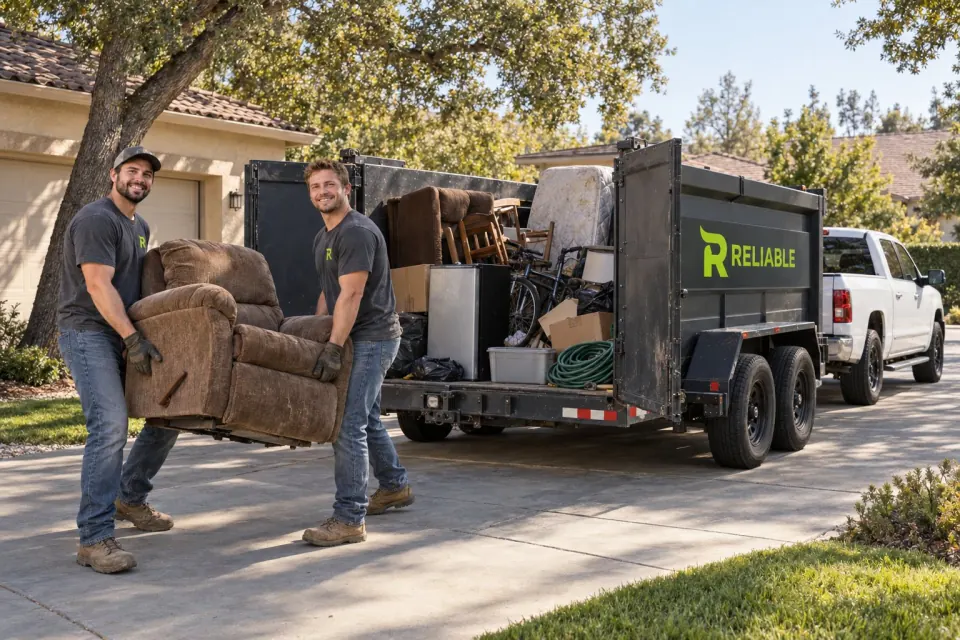
Recycling one phone is a trip to the store. Recycling a home office, three old TVs, a basement of stereo gear and the printer from the garage is a day of loading. That is when Reliable Junk Removal helps: a crew of two carries it out, sets working pieces aside for donation, sends the rest to an e-waste recycler, and sweeps up before leaving.
Do the data steps first; we do not wipe devices. Pricing goes by truck space: a big screen TV takes about 25 cubic feet and a small desk about 22. One item on its own is single-item price: to confirm, and a bigger load moves into the quarter truck tier at quarter-truck price: to confirm. See the price calculator. Book online, and we will give you a call shortly.
Electronics pickup
Questions people ask
How do I recycle electronics for free?
In California the fee paid at purchase funds free recycling of covered devices (as read 4 September 2026). Take them to a collection point that accepts covered devices.
Do I need to wipe my computer before recycling?
Yes. Back up, sign out of your accounts and use the reset or erase option. If it will not boot, remove the drive or ask the recycler how drives are handled.
Can I put old electronics in the recycle bin?
Not in the trash, by state law. Ask your garbage service before using the curbside recycling cart; an e-waste recycler is the safe route.
How do I recycle a TV that is too heavy to lift?
Book a pickup. A crew of two carries it out and takes it to an e-waste recycler. See TV removal.
Do you take office electronics?
Yes. Monitors, towers, printers and cables from an office clear-out. See office junk removal.